If your Samsung shows a water drop warning, our Samsung water damage charging port repair in Brisbane ensures you stay powered safely. At Fix My Mobile, we inspect the charging port, run moisture checks, and restore charging functionality while keeping your data secure. Book a local repair service today and get your device back in working order quickly.
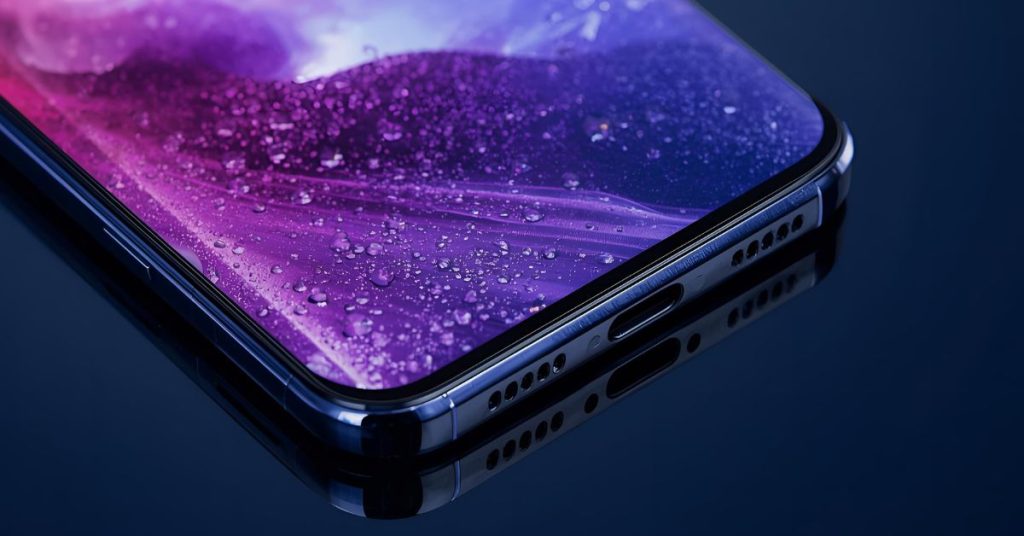
Why your Samsung shows a moisture detected error in the usb port
This alert appears when moisture detection flags risk around the usb port, so charging pauses to prevent shorts and corrosion. When the moisture detected error triggers, an error message will be displayed and charging will stop until the path is safe. Many Samsung devices also note “detected in the usb,” especially after high humidity or contact with water because a small sensor watches for excess moisture.
Key points:
- It’s a common issue after rain or beach days.
- The device displays a clear warning to protect circuitry.
If you see it on a Galaxy, unplug immediately and move to drying steps to avoid physical damage.
Safe steps to dry completely and try charging again
Power off and hold the phone with the port facing downwards to drain, then leave it in a well-ventilated spot to dry completely. Do not heat it. Once it’s completely dry, restart your phone and try charging briefly. If the error message returns, stop and let us inspect.
Quick actions:
- Remove the charging cable and case.
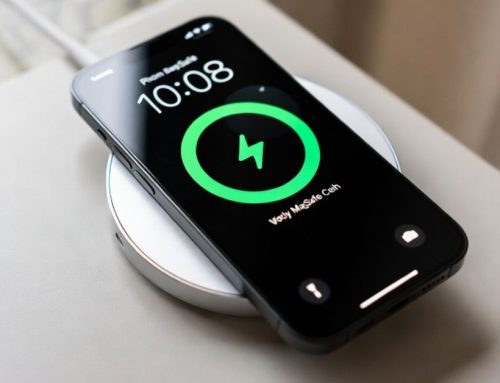
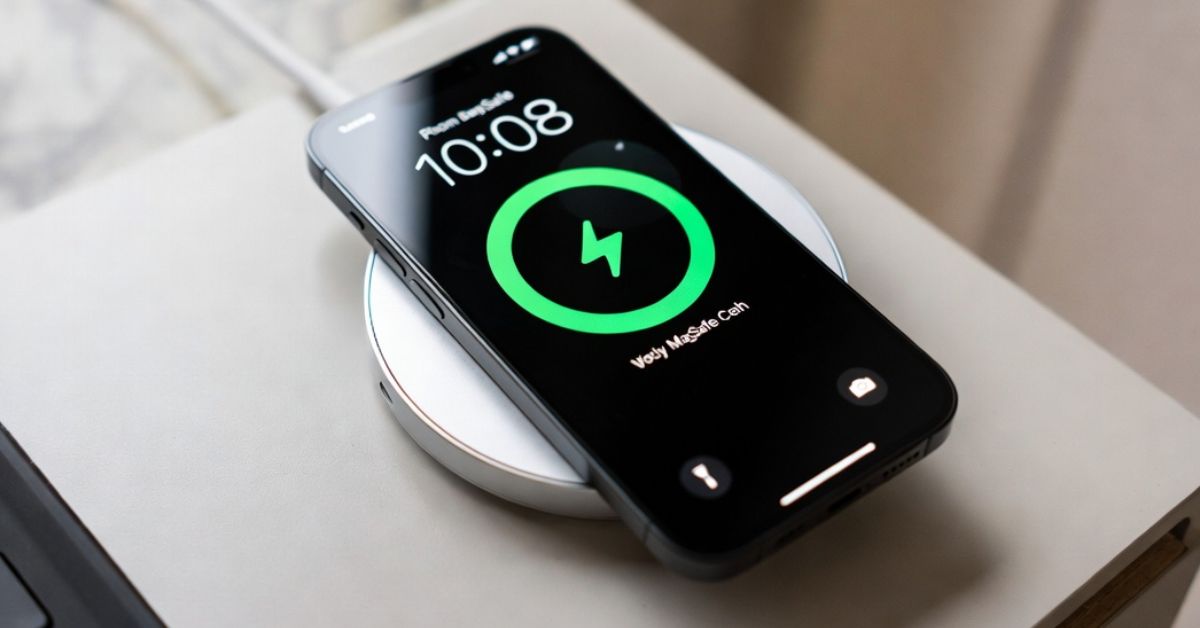
- Use a charging pad or wireless charging while the port dries.
- Clear the usb cache if your model supports it to reset port logic.
These steps help protect your phone from damage and corrosion while you decide next moves.

Brisbane professional repair service for Samsung charging
Our Brisbane service team diagnoses Samsung and Samsung Galaxy models the same day. If we find a faulty charging port, we’ll clean residue, treat corrosion, and replace parts with high-quality parts when needed. If energy drops persist, we can assess battery issues and battery problems and suggest battery replacement.
What to expect:
- Fast assessment by a qualified repairer offering professional repair and professional service.
- Component swaps using quality parts with a focus on cost-effective outcomes.
- If liquid reached the screen or there’s a cracked screen, we can discuss screen replacement or screen repairs.
Count on a reliable service that keeps downtime short.
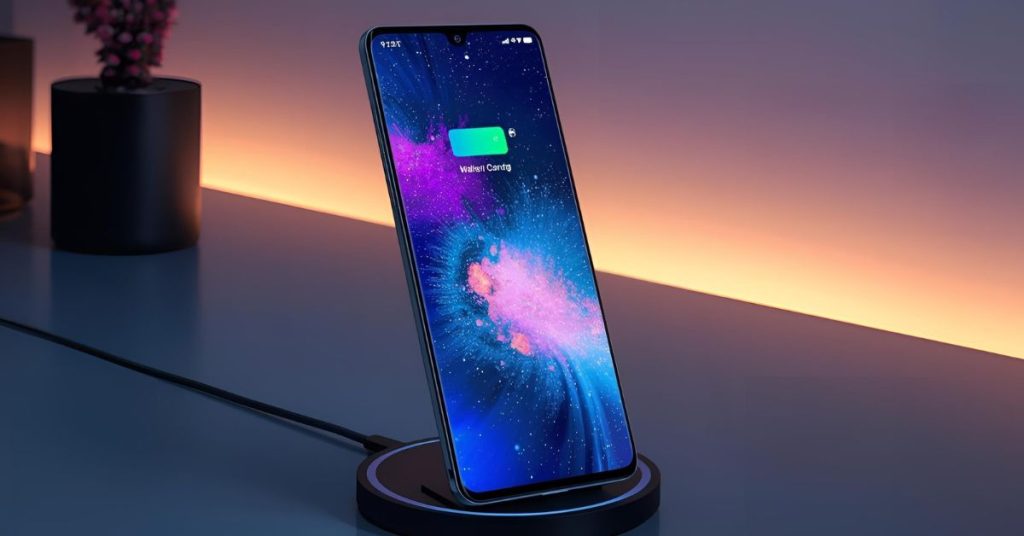
Wireless options while you wait
While the dock dries, many a Galaxy phone can charge wireless. Keep the back clear of metal and avoid heat. This lets you charge your phone safely until we inspect in Brisbane.
Tips:
- Short top-ups only; monitor temperature.
- Keep the phone flat and still.
- Bring it in if charging is inconsistent.
Using wireless protects the dock until a technician clears the usb path.
How we repair water exposure and corrosion
Liquid can travel along the dock flex causing water damage and later issues. We open the device only if required, clean the area, and reseat seals to maintain a water-resistant profile. If needed, we replace assemblies and test data lines to reduce future risk of water damage to the device.
We check:
- Seals and gaskets against the claimed waterproof rating (rating of IP68).
- Boards for early residue and corrosion.
- Dock alignment to prevent recurring alerts on Samsung electronics co designs.
If you prefer the brand route, we can coordinate notes for Samsung support or a service centre.
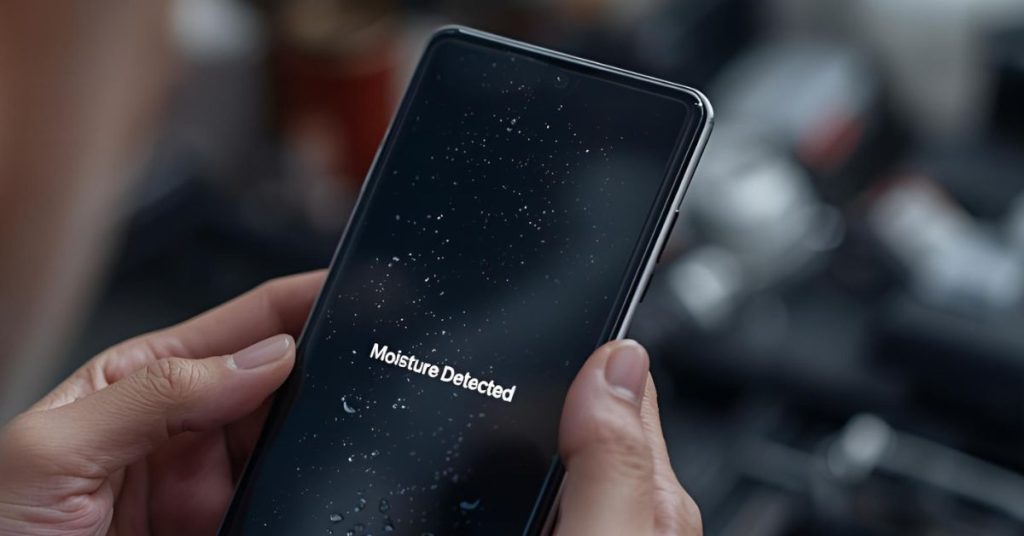
Pricing, parts and booking details
We keep parts on hand for docks and related repairs in Brisbane. For manufacturer pathways, ask about Samsung repair options; we’ll share neutral guidance. To book, use the site’s contact info and we’ll confirm timing for mobile phone repair diagnostics.
Snapshot:
| Issue | Our approach | Note |
|---|---|---|
| Port alert | Clean/replace dock | Maintain seals where possible |
| Power drop | Battery test | Recommend battery replacement if needed |
| Display damage | Assess panel | Consider screen replacement |
We work to repair Brisbane needs promptly with clear updates.

Fit and expectations
If you require a professional Samsung path only, we’ll help you navigate brand channels. Warranty status and prior third-party work can affect choices. We’re candid when board-level work is better handled elsewhere.
Consider:
- Warranty checks and backups.
- Prior repairs and parts history.
- Turnaround needs vs risk tolerance.
We aim to keep your mobile phone safe and functional.
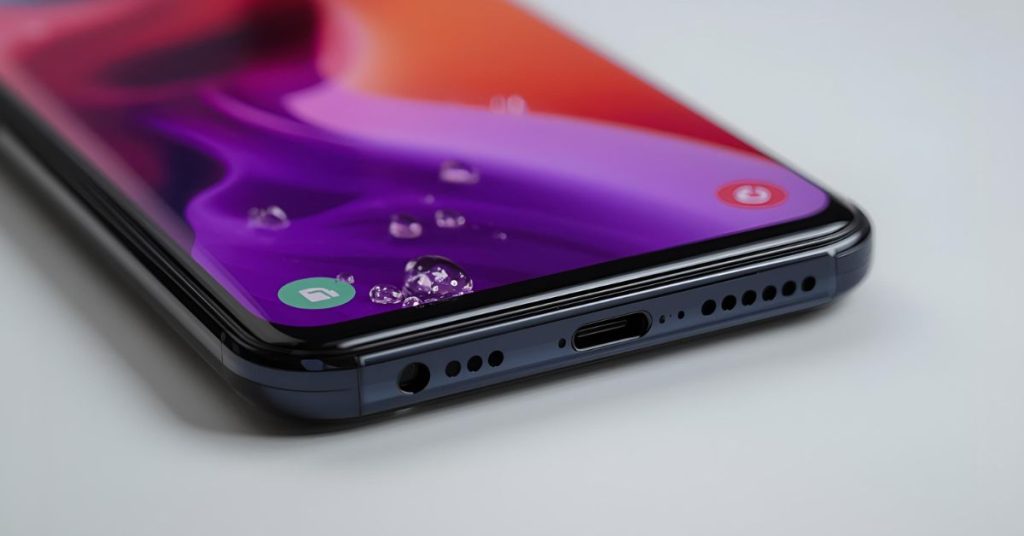
How to decide if you need help now or later
Seek help now if the alert returns after drying or if debris remains in the dock. You can wait if the port behaves and wireless stays stable. If the warning persists, visit us for testing to avoid water damage to the device.
Decision cues:
- Repeat alerts after 24 hours.
- Gritty connector or wobble.
- Heat during short cable tests.
We’ll advise the safest path, including board checks when needed.
Next steps in Brisbane
Bring your device to Fix My Mobile in Brisbane for inspection and documentation. We’ll prepare notes if you choose a brand path and help with the Samsung members app for self-checks. Our goal is to keep risks low and outcomes solid.
Frequently Asked Questions
Notes: If your Samsung phone shows the warning, unplug. If your device displays a water drop or says it’s detected in the usb, avoid cables. Let it dry completely, then restart your phone and try charging. If issues persist, we’ll help prevent further damage.