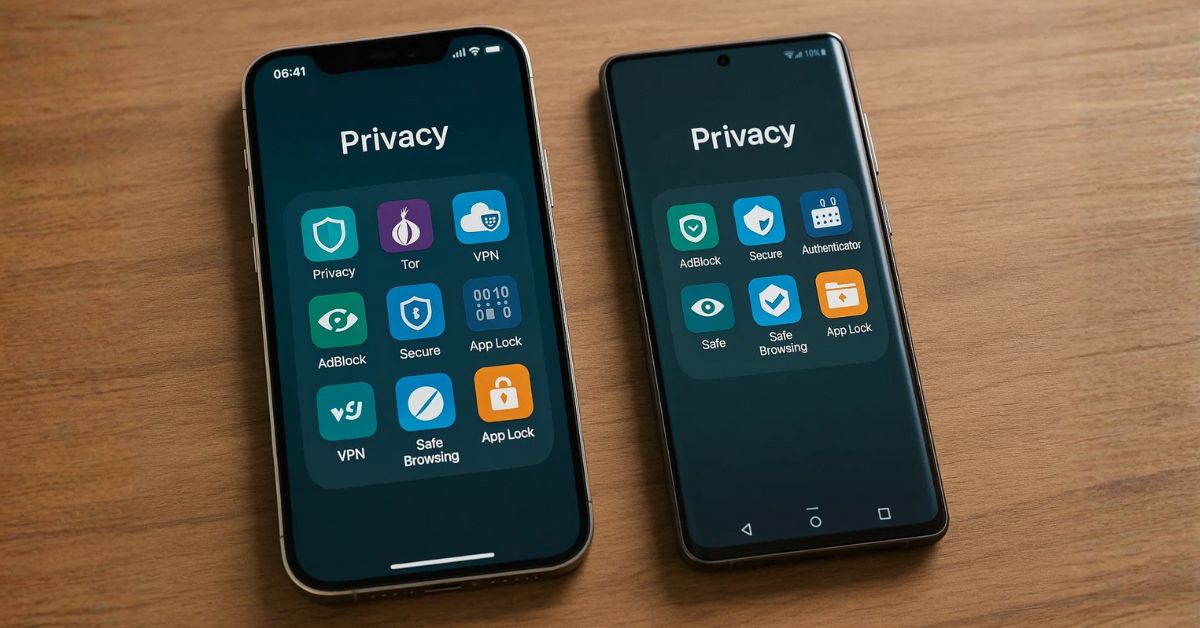
Is Your Data Safe During Phone Repairs?
It’s crucial to know how to keep data safe before repair to avoid potential privacy breaches. Whether you’re handing your phone to a repair shop or mailing it in, your personal information could be at risk. By backing up your files, logging out of accounts, performing a factory reset, and selecting a trustworthy technician, you can protect sensitive data before any service begins. This guide will walk you through the best steps to ensure your information stays secure before, during, and after mobile phone repair.

Why Protecting Your Data Matters Before Phone Repairs
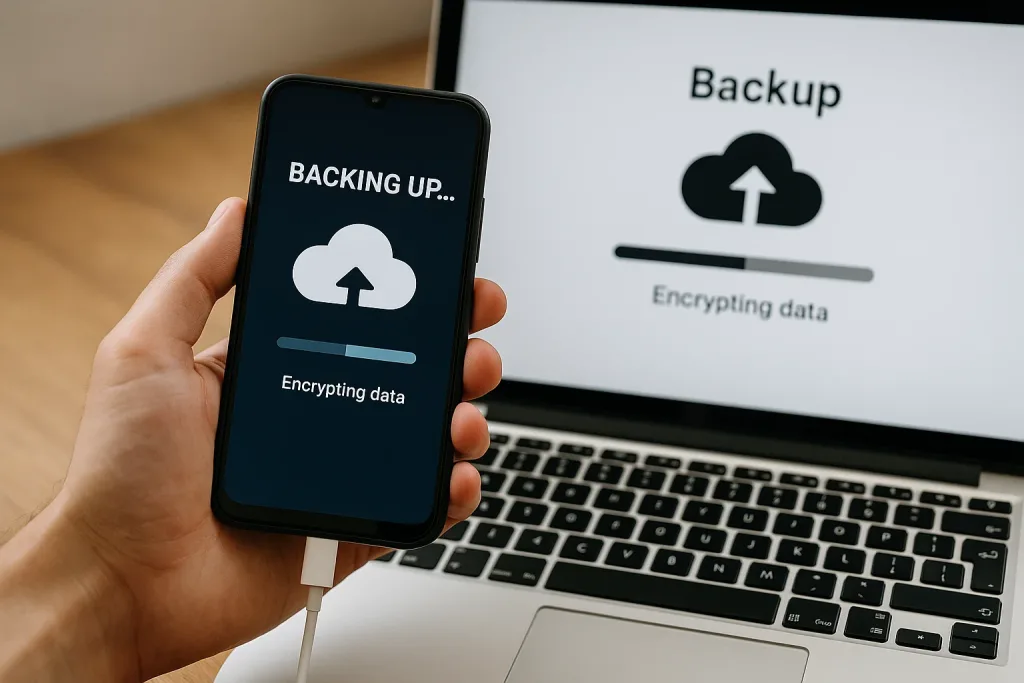
Why should you care about protecting your data before phone repairs? Your smartphone holds sensitive information like photos and financial details. To keep data safe before repair, it’s essential to back up important files and enable encryption for added protection. Disable remote access, and don’t forget to remove your SIM and memory cards. Choosing a reputable repair shop with strong data security policies further ensures your personal information stays secure. These steps help prevent unauthorized access and potential data breaches during the repair process.
Understanding the Risks to Your Personal Information
When you send your phone for repairs, you expose your personal information to potential risks. Smartphones hold sensitive data, from photos to banking details, vulnerable during the repair process. Technicians might access your data due to curiosity, and many shops lack clear data privacy measures. Here’s what studies reveal:
- Unauthorised file access occurs frequently.
- Insecure password storage is common.
- Transparency issues persist.
How to Secure Your Data Before Sending Your Phone for Repair
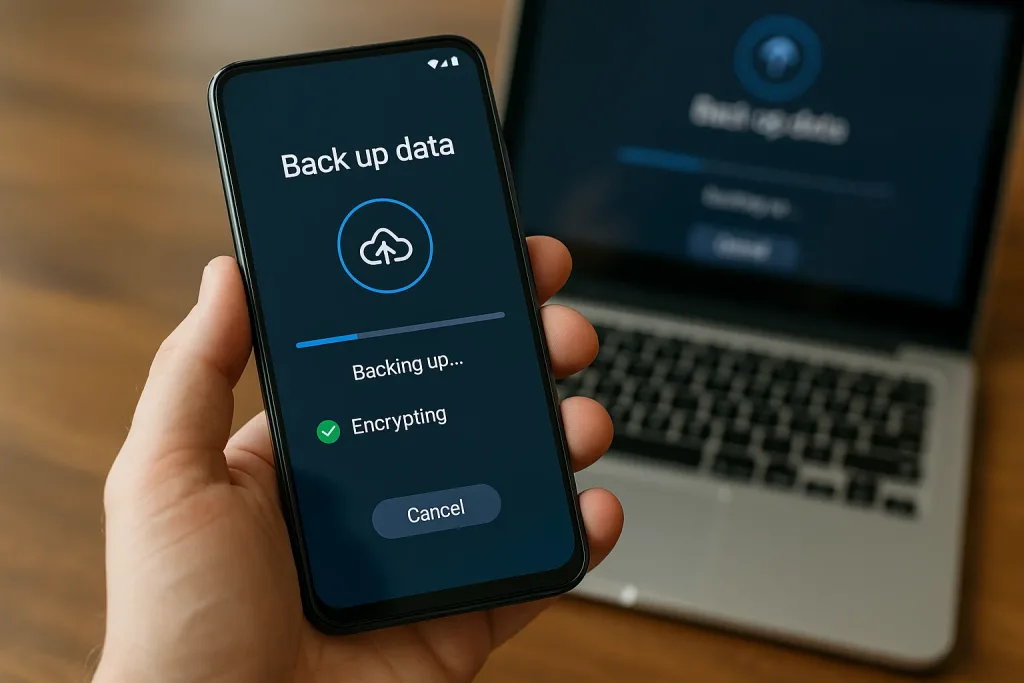
Before you send your phone for repair, make certain to back up your data to the cloud or a computer to prevent loss. Log out of accounts and remove any sensitive apps to minimise unauthorised access, and use strong passwords with two-factor authentication for added security. If your device supports it, encrypt your data to guarantee it stays safe during the repair process.
1. Back Up Your Data to the Cloud or a Computer
How do you guarantee your data stays safe during phone repairs? Harness robust backup options to protect customer data. Consider these strategies:
- Cloud Backup: Use iCloud or Google Drive for seamless data protection and recovery.
- Local Backup: Store data on your computer with iTunes, Finder, or manufacturer software.
- Manual Transfer: Secure a physical copy by transferring essential files via USB.
Ensure backups are complete before proceeding.
2. Log Out of Accounts and Remove Sensitive Apps
To secure your data before sending your phone for repair, start by logging out of your accounts, especially those tied to sensitive information like email and banking apps. Remove sensitive apps, such as social media and messaging platforms, to minimise exposure of personal content. This proactive approach guarantees your private information remains safe, reducing the risk of unauthorised access while your device is under the technician’s care.
3. Use Strong Passwords and Enable Two-Factor Authentication
When securing your data before sending your phone for repair, start by setting a strong password or PIN. This is essential for preventing unauthorised access. Next, enable two-factor authentication (2FA) on sensitive accounts. Here’s how to fortify your protection:
- Strong Password: Use complex, unique passwords.
- Two-Factor Authentication: Add an extra verification step.
- App Locking: Secure specific apps for added safety.
4. Encrypt Your Data (If Supported by Your Device)
Building on the foundation of strong passwords and two-factor authentication, another essential step in securing your phone is to encrypt your data. Encrypting your data transforms it into a scrambled format, protecting it from unauthorised access. Most modern devices have built-in encryption features. Check if your device supports it and enable it through settings, enhancing your security measures before repair.
| Feature | Benefit |
|---|---|
| Built-in | Easy to enable |
| Scrambled Data | Prevents unauthorised access |
| Photos | Secured from technician’s view |
| Financial Info | Protected during repairs |
| Additional | Reduces risk of data breaches |

How to Prepare Your Phone Securely for Repair

To keep data safe before repair, start by removing your SIM and SD cards to protect your personal information. If it’s appropriate, perform a factory reset to erase your data from the device itself. Make certain you choose a reputable repair provider and understand their repair terms and privacy policies to guarantee your data remains safe.
1. Remove SIM and SD Cards
Before sending your phone for repairs, it’s essential to remove the SIM and SD cards to protect your data. This step guarantees that you remove any sensitive information stored on these cards. Remember to:
- Backup your data: Verify all data on the SIM and SD cards is saved elsewhere.
- Safeguard sensitive info: Prevent unauthorised access to contacts and media.
- Power down: Turn off the device post-removal.
2. Perform a Factory Reset (If Appropriate)
While preparing your phone for repair, consider performing a factory reset to protect your data. Start by ensuring a complete backup of all essential information, as the reset will erase everything. Access your device’s settings under “System” or “General Management” to initiate the factory reset. This step is vital for safeguarding your personal information from unauthorised access during repairs, offering peace of mind.
3. Choose a Trusted and Reputable Repair Provider
Once you’ve backed up your data and considered a factory reset, the next step is selecting a trusted repair provider. To guarantee data security, follow these steps:
- Research thoroughly: Read reviews and verify data security policies of the repair shop.
- Check credentials: Enquire about technicians’ certifications and training.
- Opt for authorised centres: They offer stricter data security protocols, reducing breach risks.
4. Understand the Repair Terms and Privacy Policies
When preparing your phone for repair, understanding the repair terms and privacy policies is essential to protect your data. Always verify the repair shop’s privacy and security measures. Confirm they won’t access unnecessary data. Choose a trustworthy repair shop with positive reviews.
| Action | Purpose |
|---|---|
| Backup data | Prevent data loss |
| Enquire about policies | Guarantee data safety |
| Remove SIM/memory cards | Add security |
| Disable remote access | Prevent unauthorised access |
| Check reviews | Trust in repair shop |
How to Keep Your Data Safe During the Repair Process
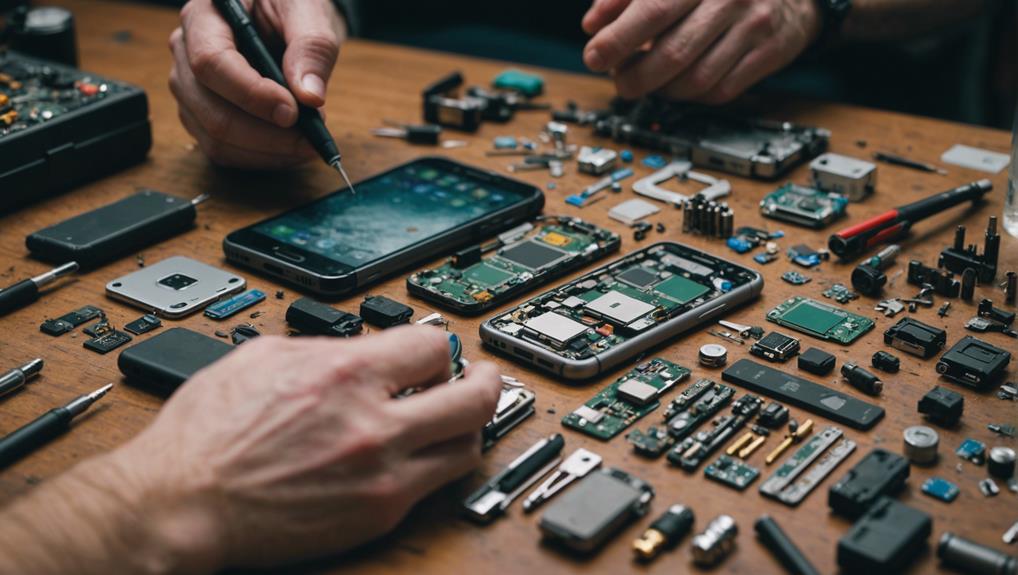
To keep your data safe before repair process, start by asking about the repair shop’s technician access protocols to guarantee they don’t need your passcode or personal data. Track your device’s status while it’s being repaired so you know exactly where it is. minimise data availability by logging out of accounts and removing sensitive information before handing over your phone.
1. Ask About Technician Access Protocols
How can you assure your data remains secure while your phone is being repaired? Focus on technician access and data security by:
- Enquiring about access protocols: Assure the repair shop doesn’t need your passcode.
- Assessing their data security policies: Choose shops with clear protection measures.
- Confirming technician intentions: Trustworthy technicians won’t access data without consent.
These steps will help protect your personal information effectively.
2. Track Your Device Status During the Repair
After verifying technician access protocols are in place, it’s crucial to keep tabs on your phone during the repair process. Use remote tracking features like Find My iPhone or Find My Device to track your device’s location and status. Opt for repair shops providing real-time updates, so you can monitor the repair and guarantee your device remains secure. This vigilance helps protect your data’s integrity.
3. Minimise Data Availability While Device is Out of Hand
When entrusting your phone to a repair service, it’s important to minimise data availability to guarantee its safety. Start by utilising a backup option to safeguard your information. Then, securely erase sensitive data and disable remote access features. Finally, follow these steps:
- Remove SIM and memory cards
- Research reputable repair shops
- Consider a factory reset
These actions can protect your data from breaches.
Steps to Restore and Check Data Security After Repairs
After getting your phone back from repairs, you should first restore your backup data to guarantee all your information is intact. Check for any unauthorized access or changes by reviewing new apps or altered settings. Finally, test your apps and files to make certain everything functions correctly.
1. Restore Your Backup Data
Wondering how to guarantee your data is intact after your phone’s been repaired? To restore your data seamlessly, follow these steps:
- Sign in to your Google account for Android or use “Restore from iCloud Backup” for iPhone.
- Verify that the backup of your device includes contacts, photos, and documents.
- Monitor your device post-restoration for any unusual activity, ensuring data integrity.
2. Check for Unauthorised Access or Changes
How can you assure your data hasn’t been compromised after a phone repair? Start by monitoring your phone for unauthorised access. Look for any unusual activity, like new apps or altered settings. Update all passwords and PINs to bolster security. Regularly review privacy settings to assure they’re intact. By staying vigilant, you can effectively monitor and protect your data from potential breaches post-repair.
3. Test Apps and Files for Functionality
Once your phone is back from repairs, it’s essential to verify everything is functioning smoothly to protect your data. Start by doing the following:
- Test apps to guarantee they function correctly and retain user settings.
- Check personal files like photos and documents for integrity.
- Review privacy settings and permissions to align with your security preferences.
These steps help guarantee data protection and smooth operation post-repair.
What to Do If Your Data Is Lost or Compromised During Repair
If you discover your data is lost or compromised during a phone repair, contact the repair provider immediately to understand their recovery options and data policies. Don’t hesitate to file a complaint or report the incident to relevant authorities if your privacy has been breached. In more severe cases, seek professional data recovery services to help retrieve lost information.
1. Contact the Repair Provider Immediately
In the unfortunate event that your data is lost or compromised during a phone repair, act quickly by contacting the repair provider to report the issue. Swift action can lead to:
- A detailed explanation of how your data was accessed or lost.
- Insight into the repair shop’s data protection policies.
- Documentation of all communications, which may be vital for future claims.
2. File a Complaint or Report the Incident
How should you respond if your data is lost or compromised during a phone repair? First, report the incident to the repair shop and request an explanation of their data handling practices. Document all communications meticulously. File a formal complaint with consumer protection agencies if necessary. Notify affected parties to mitigate risks. Seek legal advice if the incident leads to significant damages, potentially pursuing claims for negligence.
3. Seek Professional Data Recovery Services
Ever wonder what to do when your data goes missing after a phone repair? Seek professional data recovery services immediately to maximise retrieval chances. Here’s how to protect your information:
- Act swiftly to prevent data overwriting.
- Choose experts with advanced recovery techniques.
- Guarantee adherence to strict privacy protocols.
These steps guarantee your data’s protection and increase recovery success rates. Don’t delay—time is critical.
Bonus Tips: Legal and Privacy Considerations When Getting a Phone Repaired
When getting your phone repaired, it’s important to understand your rights under local data protection laws to ensure your information is handled appropriately. To keep data safe before repair, be aware of both manufacturer and third-party repair policies regarding data security, as these can vary significantly. By understanding these legal and privacy considerations, you can take informed steps to protect your personal data throughout the repair process.
1. Know Your Rights Under Local Data Protection Laws
Did you know you have specific rights regarding your personal data when getting your phone repaired? Under local data protection laws, you’re entitled to:
- Understand how your personal information is handled, including any data access or storage by technicians.
- Request that your data not be accessed or stored unless necessary.
- Seek legal recourse if your data is mishandled, ensuring robust data protection.
2. Understand Manufacturer and Third-Party Policies
How can you assure your data’s safety when getting your phone repaired? Opt for manufacturer repair services since they usually uphold strict data security measures. However, if you choose third-party repair shops, scrutinise their data protection policies. Verify their compliance with privacy laws and check customer reviews. Asking direct questions about data security practices guarantees you select a shop that respects your privacy.
Final Thoughts
Before you hand over your mobile for repairs, ensure you back up your data. It’s like having a safety net for your precious photos, messages and apps. Encryption adds an extra layer of security, akin to locking your valuables in a safe. Don’t forget to remove your SIM and memory cards, as they hold personal details you wouldn’t want in the wrong hands. Also, disable any remote access features to further safeguard your information.
Select a repair shop known for its strong data security practices. Think of it like choosing a trustworthy babysitter for your device. After your phone is fixed, restore your data and verify its integrity. If something seems off, address it swiftly. By taking these steps, you can keep your data safe and remain in control of your personal information.
Frequently Asked Questions
How to Safeguard Your Data Before Phone Repair?
Before taking your mobile phone in for repair, it’s crucial to back up all your data. This includes contacts, photos, and app data. Utilize cloud services or external storage to ensure your important data is safe. Always check that your backup is complete to avoid losing any data during the repair process.
What Steps to Protect Your Data While Getting Your iPhone Repaired?
To protect your sensitive information, consider the following steps: secure your sensitive information by logging out of accounts, removing personal data, and backing up your iPhone. Additionally, ensure your data remains secure during the repair by using a reputable repair service that follows proper data protection protocols.
How to Ensure Your Data Remains Secure During a Repair?
To ensure that your data remains secure, research reputable repair shops. Ask the repair technician about their data privacy policies and how they handle sensitive information. Always have a backup of your data before handing over your device for repair.
What to Do If Something Goes Wrong During the Repair Process?
If something goes wrong during the repair, having a backup of your data will be invaluable. This way, you can restore your important information without stress. Always keep copies of your data using reliable backup solutions before handing your device over to a repair shop.
How to Back Up Your Data Using Cloud Services?
To back up your data using cloud services, choose a reliable platform that offers sufficient storage for your needs. Follow the instructions to upload your phone data, ensuring access to your personal information is protected. This step is essential for safeguarding your data before any repair work begins.
Why Is It Important to Ask the Repair Shop About Data Security?
Asking the repair shop about their data security measures is vital to protect your sensitive information. A trustworthy repair service should be transparent about how they secure your data and prevent unauthorised access. This inquiry can help you feel more confident about leaving your device for repair.
What Should You Do to Keep Your Sensitive Information Secure?
To keep your sensitive information secure, always lock your device with a strong password or biometric security. Before sending your mobile phone to a repair shop, delete any sensitive data that isn’t necessary for the repair. This minimises the risk of unauthorised access to your data.
How Can You Recover Data if It’s Lost During Repair?
If you lose data during repair, data recovery services may be able to help. However, this highlights the importance of backing up your data before any repair. Always ensure you have a backup of your data to minimise the impact of any potential loss during the repair process.